
Event Management (On Demand)
Event Management
The AdmissionPros Events module provides the ability to define events, control the display of the event information via the web portal, manage invitees, RSVPs, and attendees, and communicate routinely with specific event populations.
Please review the resources below to assist with managing your events.
How to: Create Event Email Templates - Once complete, proceed to "Create a New Event or Create Multiple Events under One Event Title" for next steps.

Click here to view your video from the AP Support Team.
How to: Create A New Event - Once complete, proceed to "Event - General Info & Reminders" for next steps.
Click here to view your video from the AP Support Team.
How to: Create Multiple Events under One Event Title - Once complete, proceed to "Event - General Info & Reminders" for next steps. You can also review "Include Optional Event Details."

Click here to view your video from the AP Support Team.
How to: Set Event General Info & Reminders - Once complete, proceed to "Understand Pre & Post Communication Options"

Click here to view your video from the AP Support Team.
How to: Include Optional Event Details
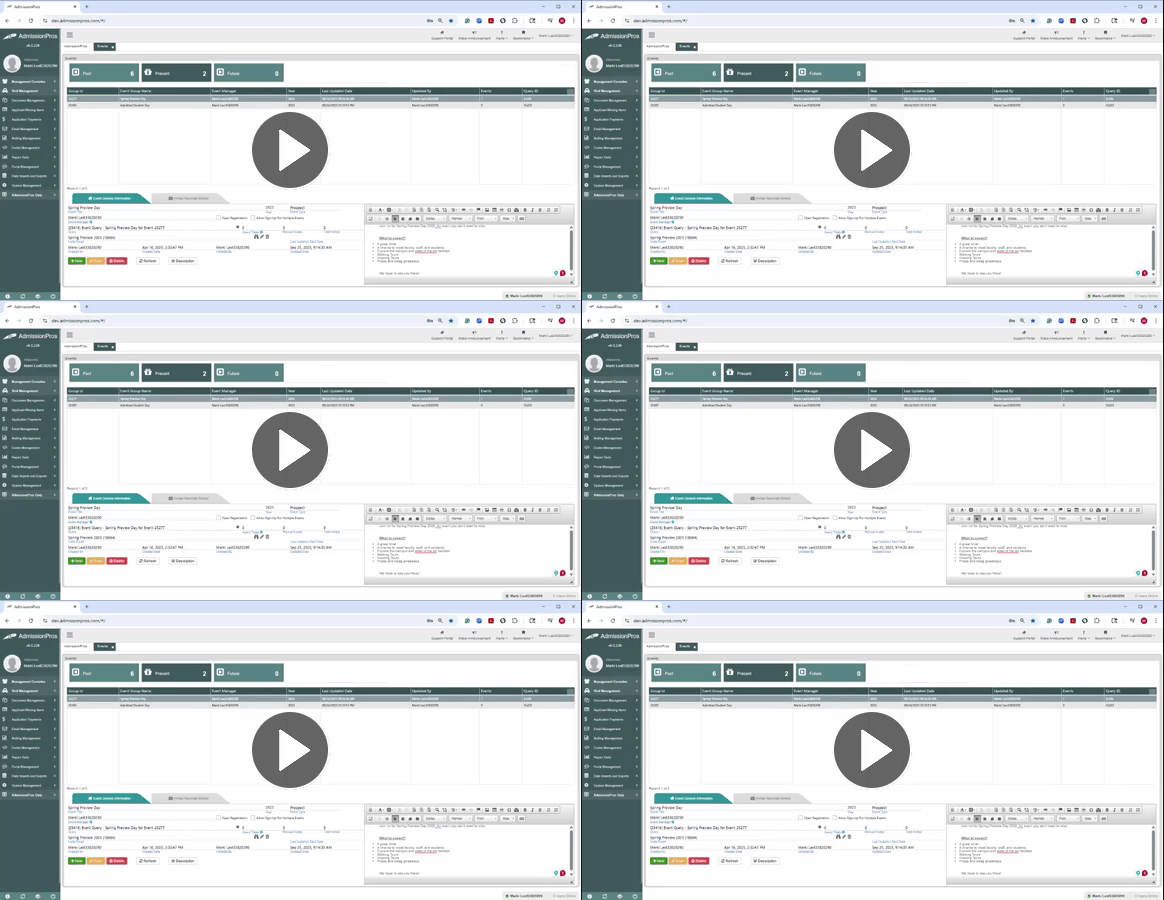
Click here to view your video from the AP Support Team.
How to: Understand Pre & Post Communication Options - Once complete, proceed to "Manage Invitees, RSVPs, and Attendance."
Coming soon!
How to: Manage Invitees, RSVPs, and Attendance -
Coming soon!
