
Campus Tour Management (On Demand)
Campus Tour Management
Campus tours can be managed seamlessly in AdmissionPros. Please view the resources below for assistance.
Creating New Tour Slot/Schedule
You can add a new tour slot or schedule quick and easy with AdmissionPros. Please review the resource below on how to get started.
Click here to view your video from the AP Support Team.
Creating New Tour Slots
Click here to view your video from the AP Support Team.
Adjust Campus Tour Date or Time
There may be instances when you need to adjust the date or time for an already created campus tour. Please review the resource below for the step-by-step guide on how to complete this action.
Click here to view your video from the AP Support Team.
Adjust Registration Tour Limits
There may be instances where you need to adjust your tour registration limit on a particular day. Please review the resource below on how to make that adjustment when needed.
Click here to view your video from the AP Support Team.
Approving a Group Tour
Group tours must be approved before the official confirmation email is sent to the primary group tour contact. Please review the resource below for step-by-step instructions on how to complete the approval process.
Click here to view your video from the AP Support Team.
Campus Tour - Resend Confirmation Email
Campus tour registrants may occasionally misplace their confirmation emails, or in some cases, they may have been manually added to the system shortly before the tour and did not receive the automated confirmation. Fortunately, you can easily send the confirmation email manually in AdmissionPros.
Please refer to the resource below for step-by-step instructions on how to get started.
Click here to view your video from the AP Support Team.
Campus Tour Check-in
Campus tour check-in can be managed seamlessly in AdmissionPros. Please review the resource below on how to get started.
Click here to view your video from the AP Support Team.
Campus Tours - Portal Banner
Portal banners are customizable screens within AdmissionPros that are visible to students and used to share targeted information throughout the enrollment process. The language on the campus tour registration page is managed in the tour portal banner.
Please review the resource below on updating the content on your campus tour registration page.
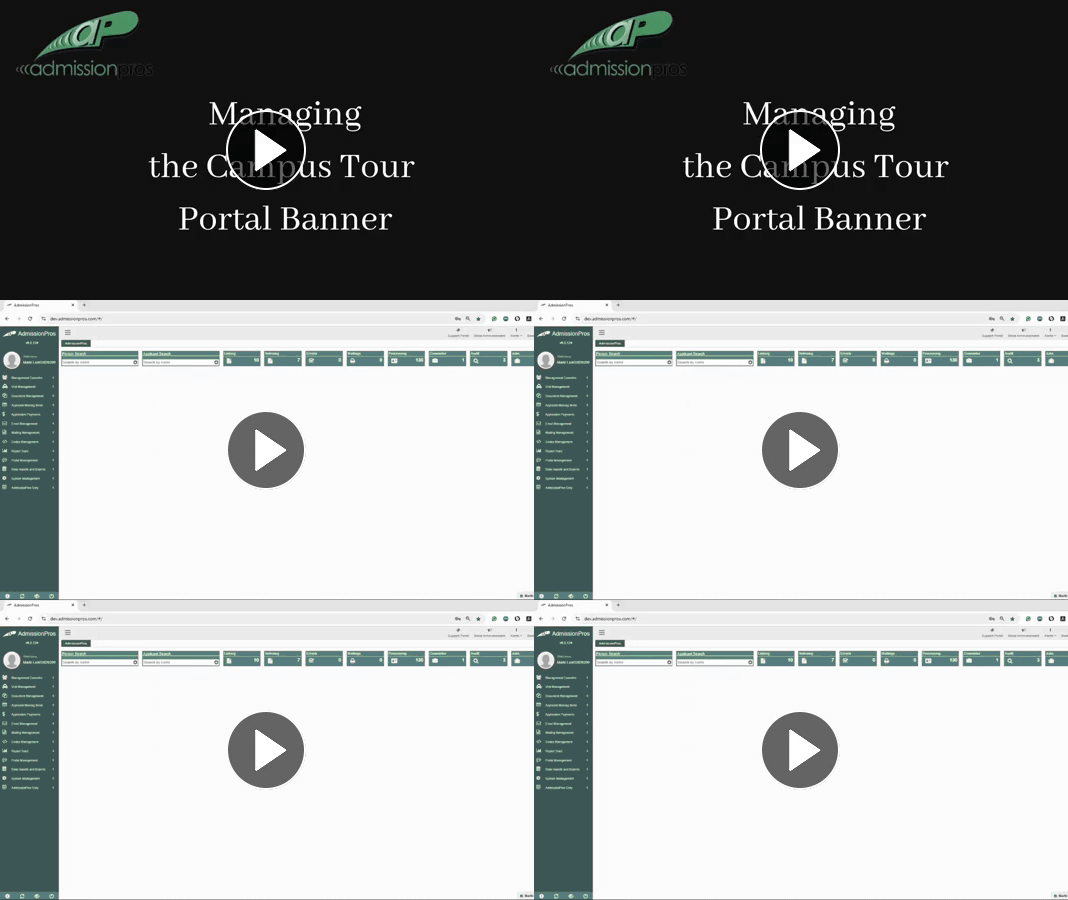
Click here to view your video from the AP Support Team.
Campus Tours - Manual Additions
Manually Adding a Person to a Campus Tour (walk-in, phone call, etc.)
Campus Tour - Public External Link to Tour Registration Page
Below provides a snapshot of the registrant experience for both student/family tours and Group tours when registering via the external registration page.
